01
Choose what gets blocked.
Pick apps, websites, or whole categories. Airlock uses Apple’s Screen Time permission to protect that selection.
 Airlock
A little space between you and your apps
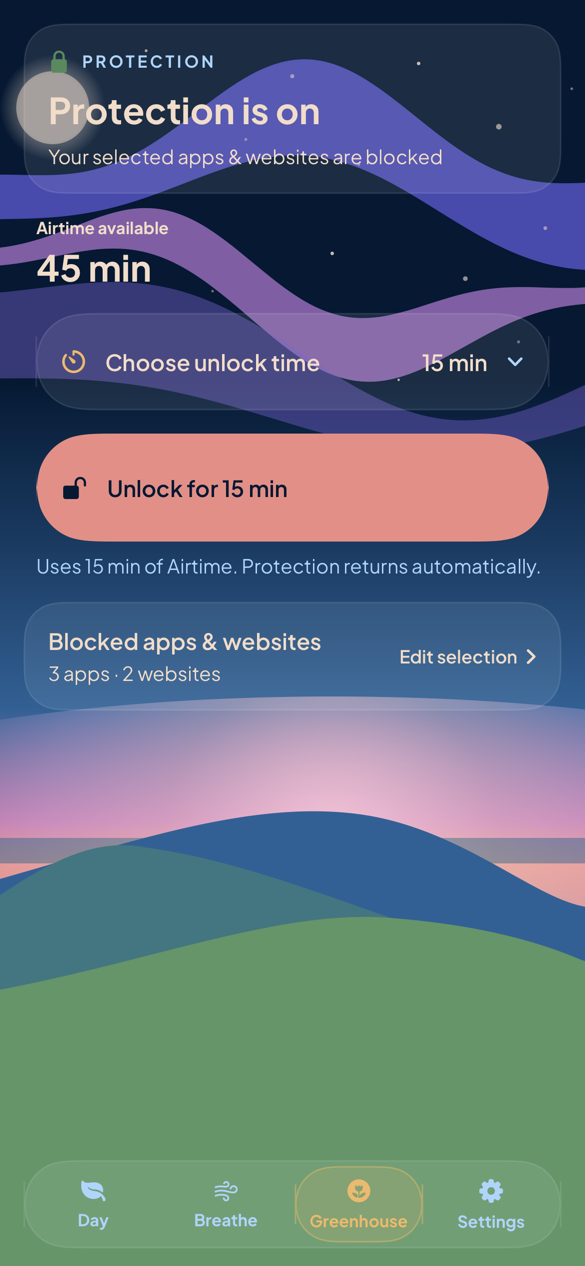
Use Airlock for guided breathing on its own. App Blocking is optional: choose what to block, breathe to earn Airtime, then choose an unlock time and tap Unlock.
All features are free, with optional tips and no subscription. Requires an iPhone running iOS 26 or later.
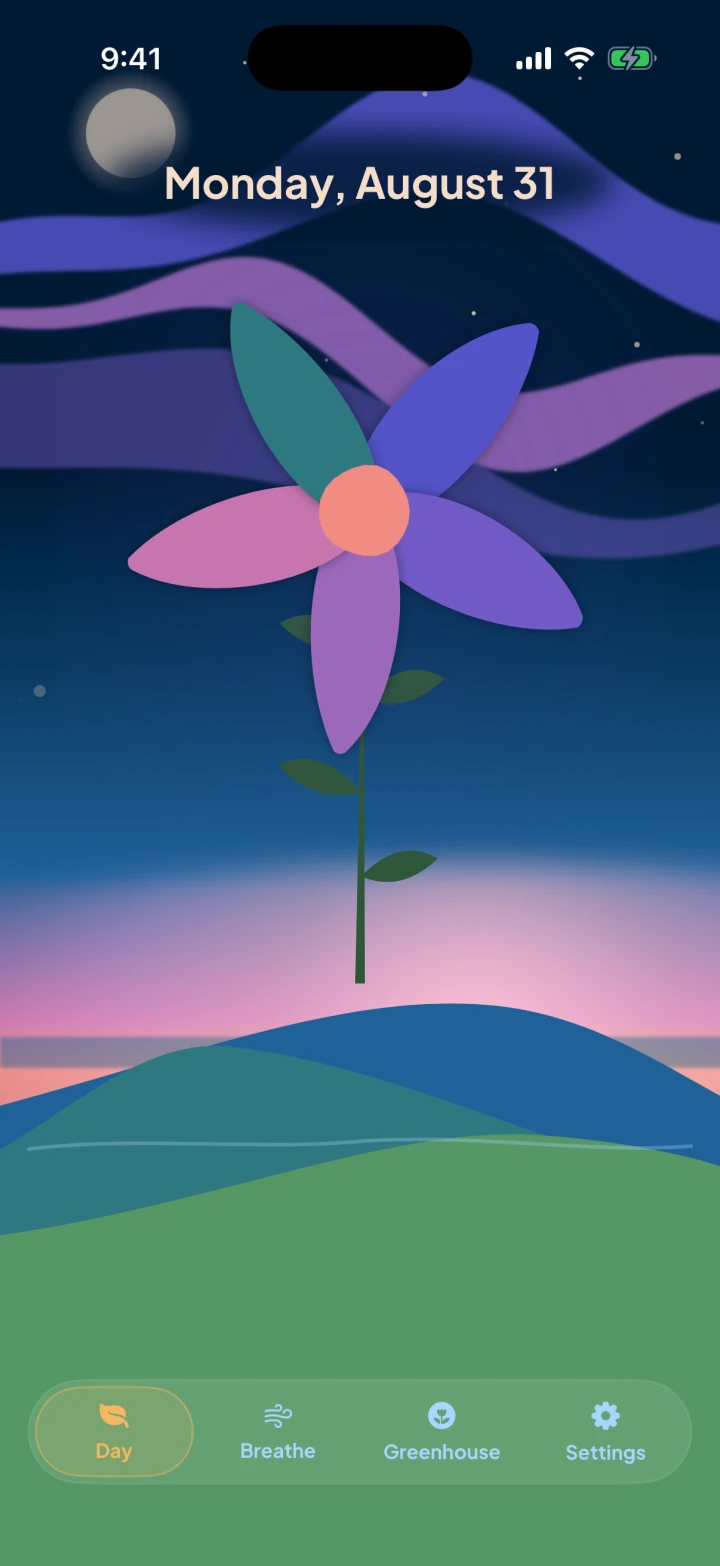
The daily flower · shown faster than real time
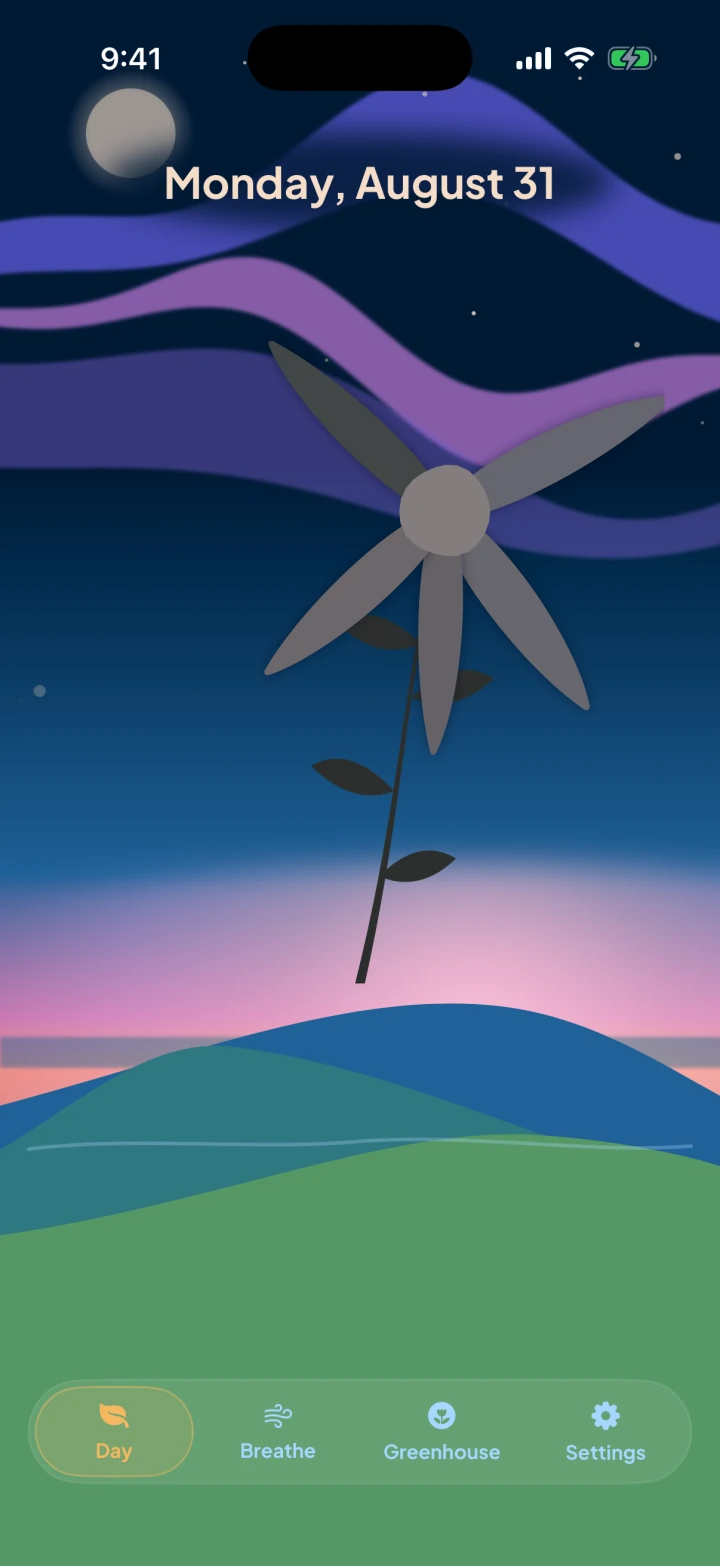
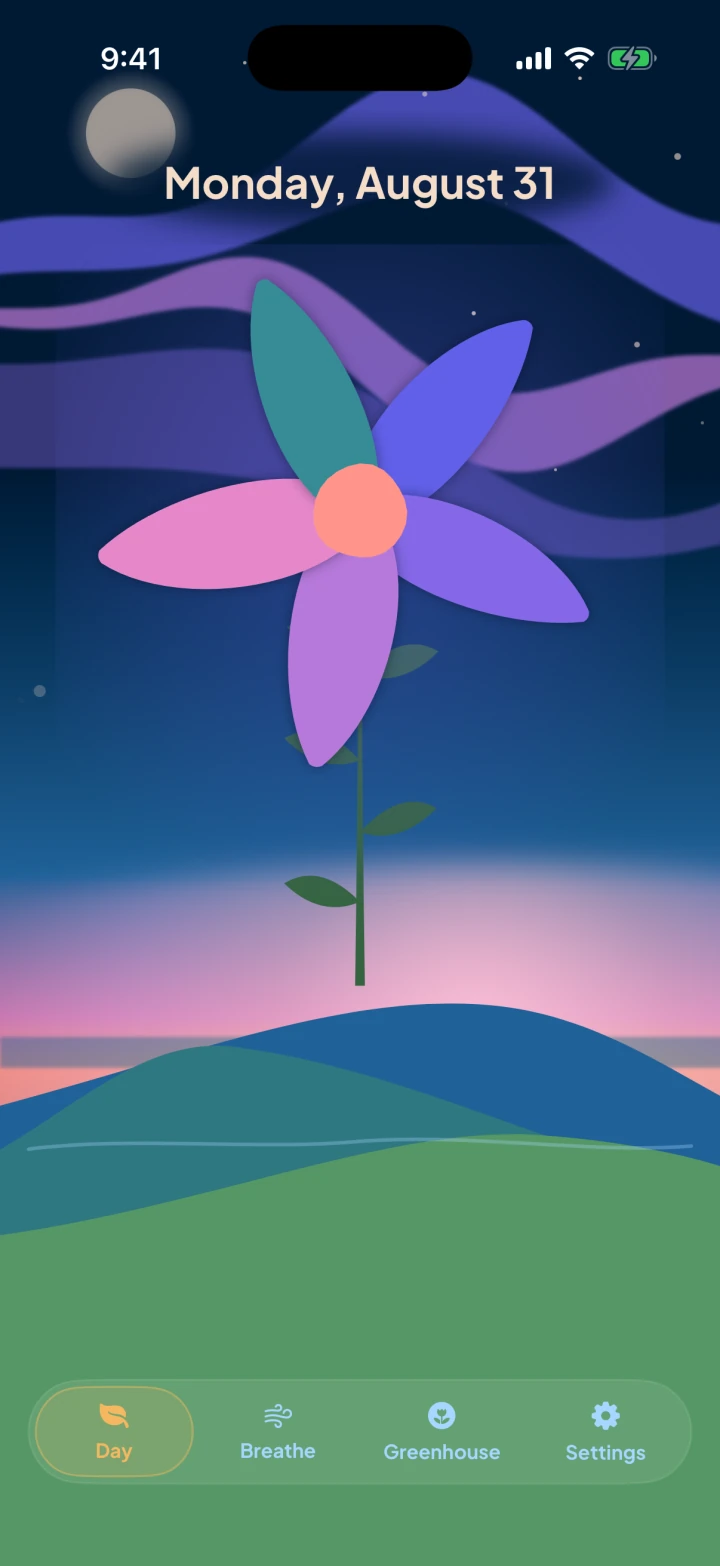
Breathing helps today’s flower grow. Its health reflects the Airtime you use and the Airtime that expires unused. At the end of the day, that flower joins your history.
The basic loop · 01 — 03
With App Blocking, choose what gets blocked, breathe to earn Airtime, then choose a time and tap Unlock.
01
Pick apps, websites, or whole categories. Airlock uses Apple’s Screen Time permission to protect that selection.
02
Finish a guided session to add Airtime. You can change the session length, breathing exercise, pace, and haptics.
Recorded in an earlier version of Airlock.
03
Choose an unlock time from 5 to 30 minutes. When the unlock time ends, your selected apps and websites are blocked again automatically.
then blocked again automatically
Private by design
There’s no Airlock account or third-party analytics. Apple's optional usage and crash reports help us improve Airlock; you control sharing in iOS Settings.
No account
No tracking
No ads